01
Shape the experiment
Choose your prompt, model and market inputs. Keep your own trading idea at the centre.
Give your trading ideas a workspace. Configure an AI agent, inspect its decisions, and see the costs behind your experiment.
Windows desktop · MetaTrader 5 & Binance USDT-M Futures · Your own model API keys
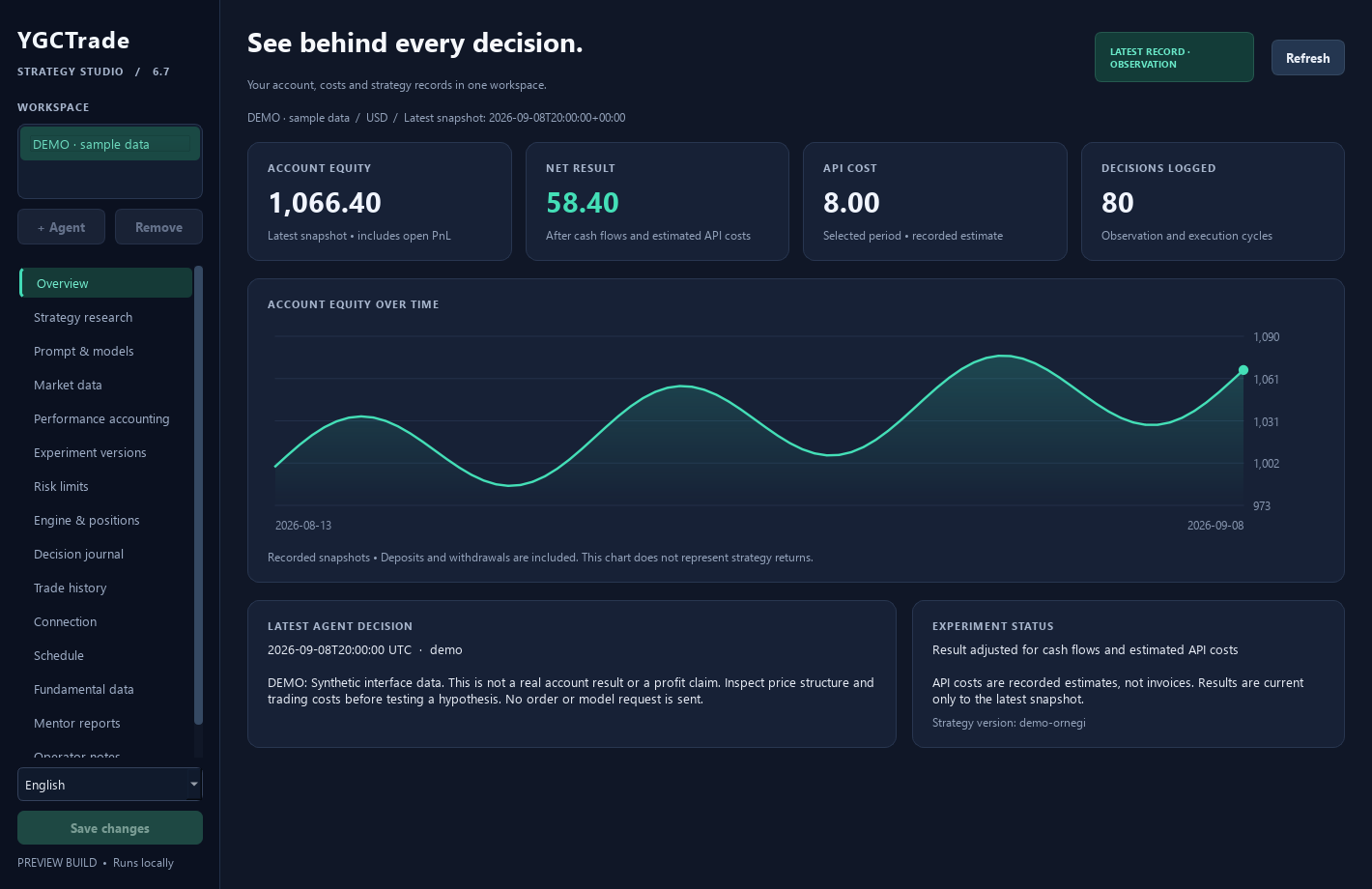
Choose your prompt, model and market inputs. Keep your own trading idea at the centre.
Review each decision with the prompt and configuration version used for that run.
Separate cash deposits from results and keep estimated API spending visible.
A step-by-step tour in a dedicated simulation interface: create an agent, connect a sample account, write the prompts and inspect the first simulated trade. English captions and UI sounds; Turkish subtitles available.
This preview is intended for experienced users who can evaluate model decisions and manage their own trading account.
Start with observation or a demo account. Observation logs model decisions without placing orders; it is not a backtest or a simulated portfolio. Model API calls may cost money.
AI decisions can be wrong. Trading can lose money, and software risk checks do not guarantee a loss limit. No returns, win rate or earnings are promised.
Tell us what you want to explore. We are preparing a small beta for Windows, MT5 and Binance USDT-M Futures users who can share thoughtful feedback.
Tell us about your workflow.
02We review the fit for the beta.
03Selected participants receive setup details.
A Windows workspace for configuring AI trading agents, writing trader and mentor prompts, inspecting decisions and reviewing account-level performance.
Studio includes MetaTrader 5 and Binance USDT-M Futures connections. You configure your own accounts and model API credentials. Begin with observation, a demo account or testnet while evaluating the software.
No. Observation records model decisions without placing orders. It does not maintain a paper portfolio or prove how a strategy would perform with real fills and costs.
The planned membership includes free access on one device for verified MT5 demo and Binance demo accounts. Public registration is not open yet. Real-account trading requires a subscription or temporary pilot access. Model API charges are separate, including in demo. Monthly payments are not open yet.
No. Models can make mistakes, execution can fail and trading can lose money. Account results may include other agents or manual trades and should not be attributed to a single prompt.
MacroParity and YGCTrade Studio are built by the same creator, with a shared focus on making the details behind a decision visible.
Source-linked currency research, central bank context and a focused FX watchlist.
Explore MacroParityConfigure AI agents for MT5 & Binance Futures. Write prompts, set risk limits and inspect decisions.
Part of our product family